
Roofing Estimate Template vs Estimating App: An Honest Comparison
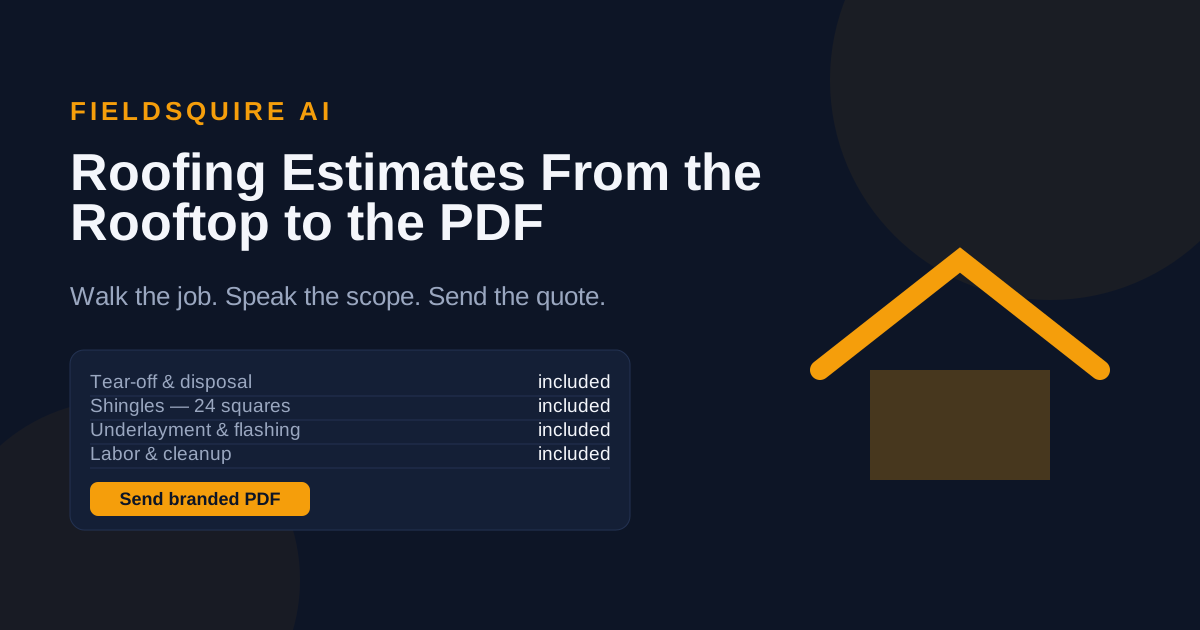
Somewhere on your laptop is a spreadsheet with your name on it — tear-off row, shingle row, labor row — that has priced every roof you've bid for years. The roofing estimate template vs estimating app question isn't about whether that spreadsheet works. It does. It's about what it costs you that never shows up in a cell: the night hours, the re-typed numbers, and the bids that arrived second.
What a template genuinely does well
Credit where due. A good roofing estimate template is free, fully yours, and forces discipline: if the sheet has rows for underlayment, ice and water shield, drip edge, ridge cap, dump fees, and permits, you'll rarely forget them. It never has a subscription lapse, and it works on any machine. For a roofer doing a handful of bids a month with time to spare in the evenings, a well-built spreadsheet is a legitimate tool, not a failure.
The template also teaches you your own numbers. Building one forces you to write down what you actually charge per square for tear-off, what a bundle of architectural costs from your supplier, what the landfill takes per ton. If you ever move to an app, those spreadsheet years are exactly why your price list will be ready on day one.
Where the spreadsheet starts costing you jobs
The template's weaknesses all live outside the spreadsheet:
- It isn't on the roof. You scope on site, then re-enter everything at a desk hours later. Every gap between seeing and typing drops details — the second layer you noticed, the flashing you meant to add.
- It's slow to the customer. The homeowner who called three roofers usually signs with the first professional quote. Templates make you the Friday guy.
- It doesn't sell. An exported spreadsheet is not a branded proposal, can't take an e-signature, and can't collect a deposit.
- It doesn't follow up. Sent quotes sit in an email outbox with no reminders, and unfollowed quotes are where small-contractor revenue quietly dies.
- One typo, one bad bid. A transposed digit in a price cell has no guardrails — nobody notices until the shingle order lands or the tear-off runs long, and by then the price is signed.
What an estimating app changes — concretely
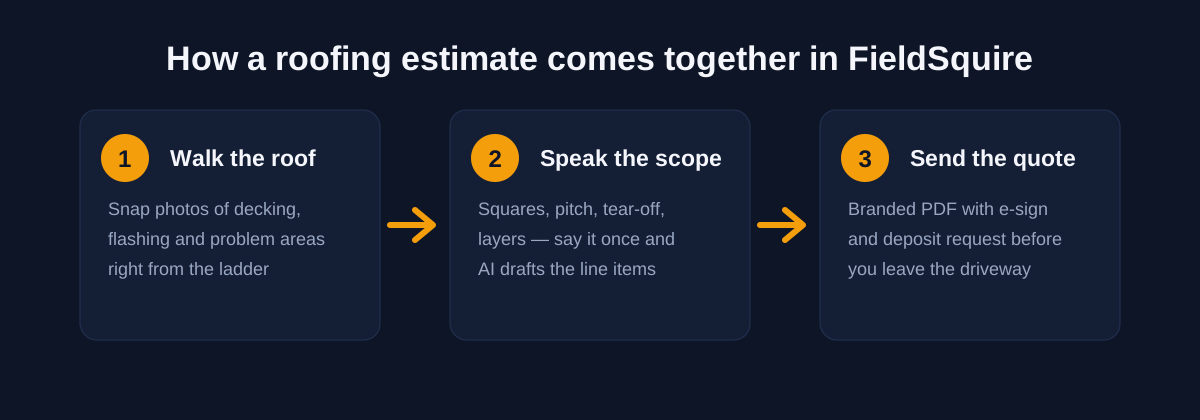
An estimating app moves the work to where the roof is. With FieldSquire, the job photos and a spoken scope — squares, pitch, layers, shingle type — become an AI-drafted line-item estimate priced from your own list, on your phone, during the visit. Your price list plays the role your template's rows used to, except it learns from your corrections. Hidden margins sit on each line where the customer never sees them. The output isn't a grid; it's a branded PDF proposal with e-signature and deposit collection, plus lead tracking and follow-up reminders on every quote that hasn't signed yet. The full field routine is in how to estimate a roofing job from your phone.
The real cost comparison
The template is free the way a leaky valley is free — no invoice, steady losses. Two hours of evening estimating per bid, ten bids a month, is twenty hours; at any reasonable rate for your time, that dwarfs software cost. Weigh the roofing estimate template vs estimating app question in those hours, not in the subscription line. FieldSquire runs $19/month for 25 estimates, $59/month unlimited with full AI, or $99/month for a crew of five, each with a 14-day free trial. One job won because your quote landed the same afternoon covers the year. For a deeper look at picking software at this size, see the small-contractor estimating app checklist.
Template or app: quick answers
Is a free roofing estimate template good enough to start with?
For early jobs, yes. It stops being enough when volume grows, evenings vanish into data entry, or same-day quoters start beating you to signatures.
What does an estimating app do that a spreadsheet can't?
Capture the scope on site via photos and voice, draft priced line items, send a branded PDF with e-signature and deposit, and remind you to follow up — no desk session required.
How much does roofing estimating software cost compared to a template?
Templates cost evenings; FieldSquire costs from $19/month with a 14-day free trial — about a bundle of shingles a month.
Keep the spreadsheet as a backup if you like; just stop making it your bottleneck. Run one real bid through the FieldSquire roofing estimating app during the free 14-day trial and compare it against your template night honestly. The roofing estimating page shows the whole walk-to-signature flow.